


Databox offers powerful filtering options at three different levels—Dataset, Databoard, and Datablock—each designed for a specific use case. Knowing when and where to apply filters helps reduce noise, improve performance, and deliver more focused insights to your team.
Apply dataset filters to limit your universe of data to only what's useful for your analysis needs. This helps you avoid clutter, improve performance, and make metric definitions cleaner. It’s like cleaning and slicing your ingredients before cooking.

Best for:
Removing irrelevant records up front (e.g. test data, archived accounts, inactive users).
Narrowing to only the subset of data you’ll care about across all dashboards and metrics.
Making downstream metric building easier and faster.
Examples:
Filter out leads marked as “disqualified” if you’ll never report on them.
Exclude data before a certain date range if irrelevant (e.g. pre-2023 data).
Limit to a specific region/business unit if your team only analyzes that slice.
Pros:
Makes metrics easier to define (less need for complex filters later).
Speeds up dashboard performance.
Removes dimensions/values you’ll never want to break down by.
Caution:
Once excluded here, you can’t recover that data later without changing the dataset.
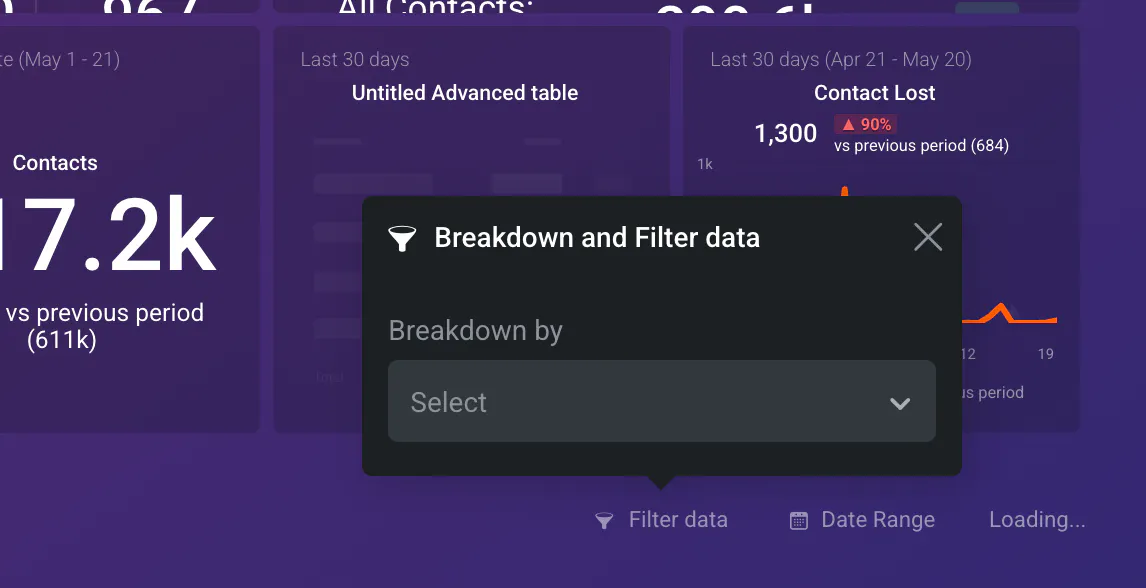
Dashboard filters let you tailor a single dashboard to different audiences or use cases. You’re not changing the data source—you’re just slicing it differently to tell the right story.
Best for:
Adapting dashboards for different teams, regions, or time frames.
Making dashboards more dynamic and reusable.
Letting users interactively switch views.
Examples:
Filter to “Region = Europe” for a regional sales team.
Let users toggle between quarters, product lines, or campaigns.
Share the same dashboard template across departments with different filters.
Pros:
Reusability: one dashboard, many views.
Non-destructive: original data stays intact.
Empowering for stakeholders who want to self-serve insights.
Caution:
Doesn’t simplify metrics behind the scenes—just changes the view.
Overuse can make dashboards harder to debug or interpret.
This is your surgical tool. Use Datablock filters when a single metric or chart needs its own scope—like focusing on one product or campaign in a larger dashboard.

Best for:
Customizing specific visualizations without affecting the whole board.
Comparing subsets of the same metric side-by-side.
Handling edge cases or ad hoc questions.
Examples:
One chart shows “Revenue by Product A,” another “Revenue by Product B.”
A KPI block filtered to only show MRR for new customers.
Add a benchmark line filtered to last year’s data.
Pros:
High flexibility.
Great for comparisons or exceptions.
Keeps dashboards visually tidy.
Caution:
Can become messy if overused.
May confuse end users if logic isn’t clear.
Here’s a simplified rule-of-thumb:
Ask Yourself...
Then Filter at...
"Will I never need this data again?"
Dataset level
"Do I want this dashboard to reflect a specific audience?"
Databoard level
"Do I want just one chart or KPI to show something unique?"
Datablock level