When using the Lifecycle Stage field from HubSpot, default lifecycle stages will appear normally in your Dataset. However, if you’ve created custom lifecycle stages in HubSpot, these will appear as ID numbers when pulled via the API and therefore in Databox.
You can rename these IDs directly in your Dataset so they display correctly in your metrics and visualizations.
Navigate to the Datasets page and edit the relevant Dataset: https://app.databox.com/data-manager/datasets.
Click the + icon on the right to create a new calculated column.
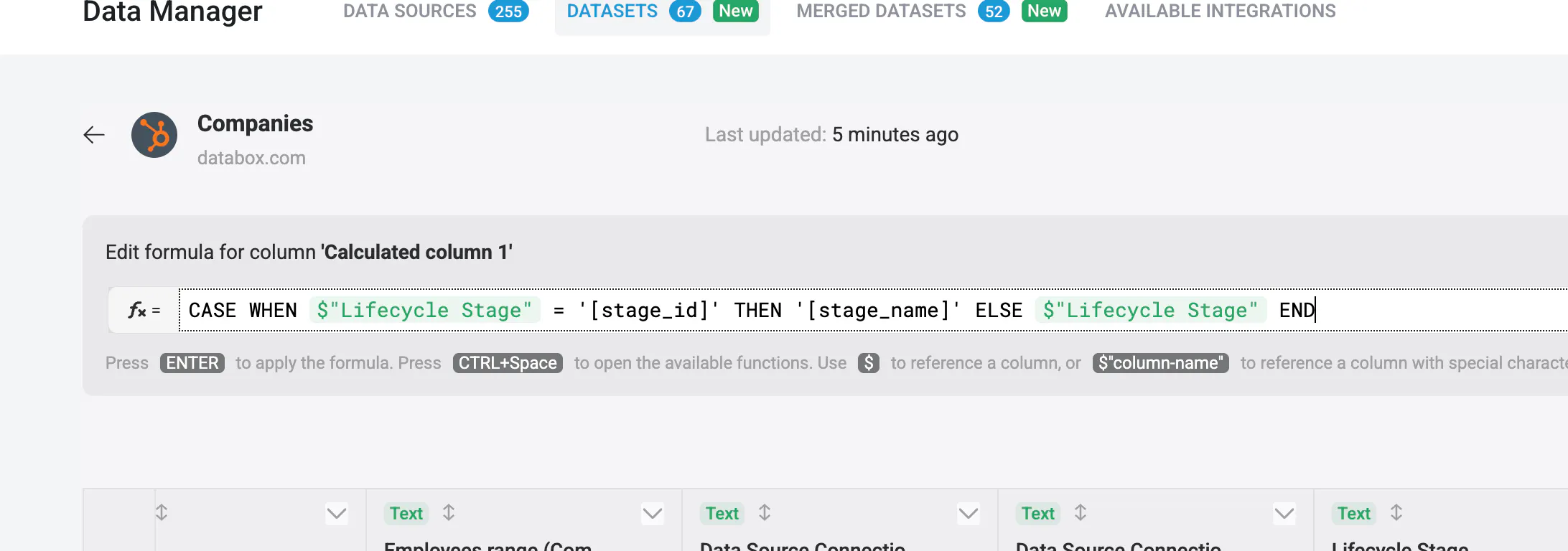
Insert the formula:
CASE WHEN $"Lifecycle Stage" = '[stage_id]' THEN '[stage_name]' ELSE $"Lifecycle Stage" END
If you have multiple stages to rename, add more WHEN THEN statements, for example:
CASE WHEN $"Lifecycle Stage" = '[stage_id_1]' THEN '[stage_name_1]' WHEN $"Lifecycle Stage" = '[stage_id_2]' THEN '[stage_name_2]' ELSE $"Lifecycle Stage" END
Save the Dataset. You can now use Metric Builder to create a metric with the Lifecycle Stage Dimension, and it will return stage names instead of IDs for custom stages.