

A common request when analyzing GA4 data is to track average user engagement time rather than total engagement. In Databox, this can be done using a Calculated Metric.
While metrics like User engagement and Engaged sessions are available in GA4, they often return total values. To calculate the average engagement per user, you’ll need to divide User engagement by Active users.
Create a new Data Calculation.
Select User engagement as the first metric.
Select Active users as the second metric.
Apply the formula:
User engagement / Active users
In the format settings, choose Duration.
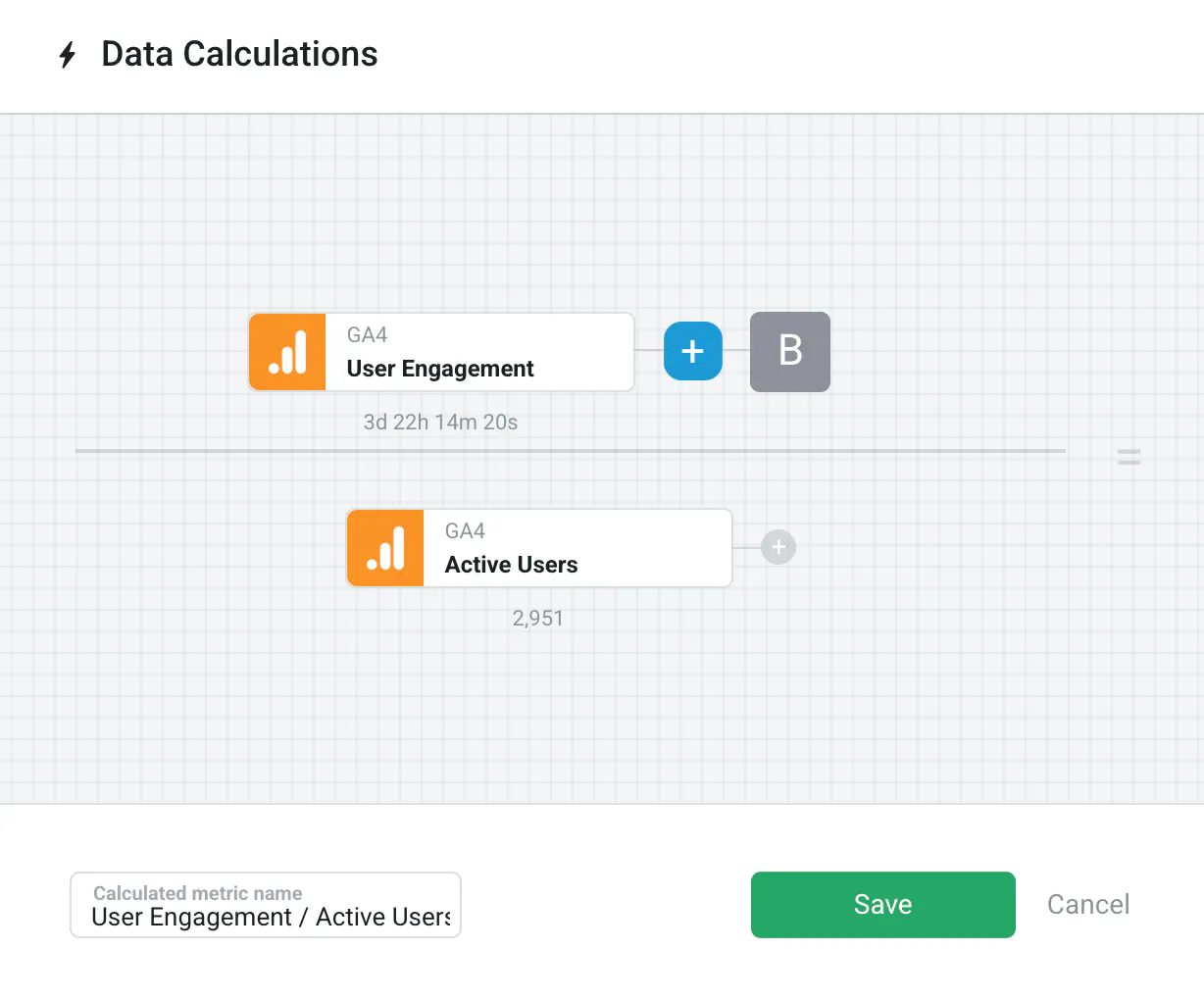
This returns the average engagement time per user over your selected time period. It provides a more accurate view of individual user behavior compared to totals or per-session averages.
For more on creating calculations, visit: How to create a Data Calculation.