

If you're running Facebook or Instagram Ads that drive WhatsApp engagement, you may want to track how many new conversations were started from those campaigns. This can help you evaluate the effectiveness of click-to-chat ads and optimize for high-intent leads.
Here’s how to set up a Custom Metric in Databox that displays Messaging Conversations Started by Ad:
Open Metric Builder and select Facebook Ads as the Data Source.
Go to the Ads Reporting tab.
Set the Metric to Actions.
Set the Action Type to Messaging Conversations Started.
Set the Dimension to Ad.
Save the Custom Metric.
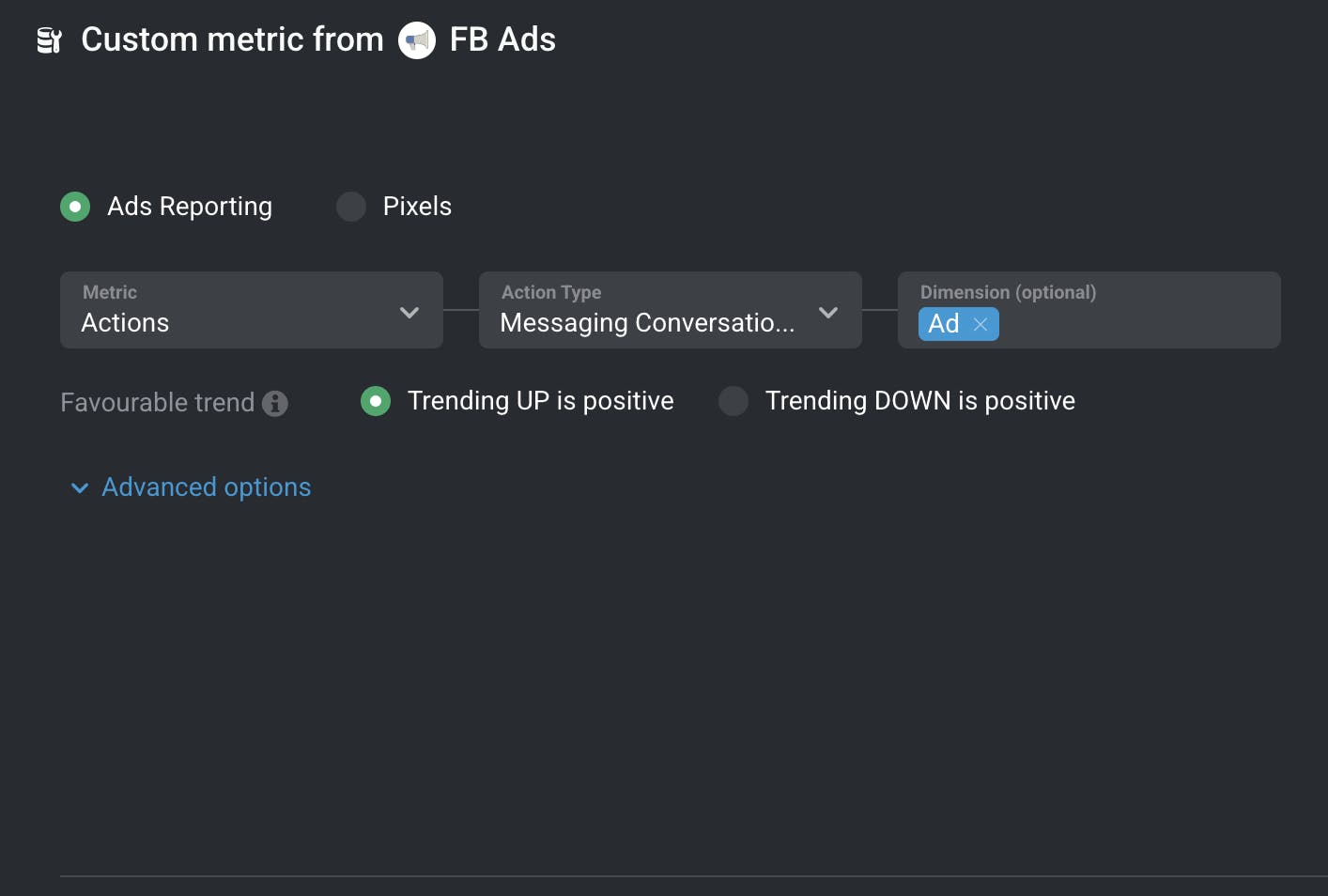
This will allow you to track how many WhatsApp conversations were initiated from each ad, helping you understand which creative or campaign is generating the most direct engagement.
For more: Facebook Ads Custom Metrics.