

Understanding how long visitors stay on individual pages can help you assess content engagement and user experience. While Google Analytics 4 provides Average Session Duration, it doesn’t break it down by page by default. With Databox, you can create a Custom Metric to show Average Session Duration by Page Title giving you a clearer picture of which content keeps visitors engaged the longest.
Go to Metric Builder and select Google Analytics 4 as the Data Source.
Under Metric, select Average Session Duration.
For Dimension, choose Page Title.
Save the Custom Metric and add it to your Databoard.
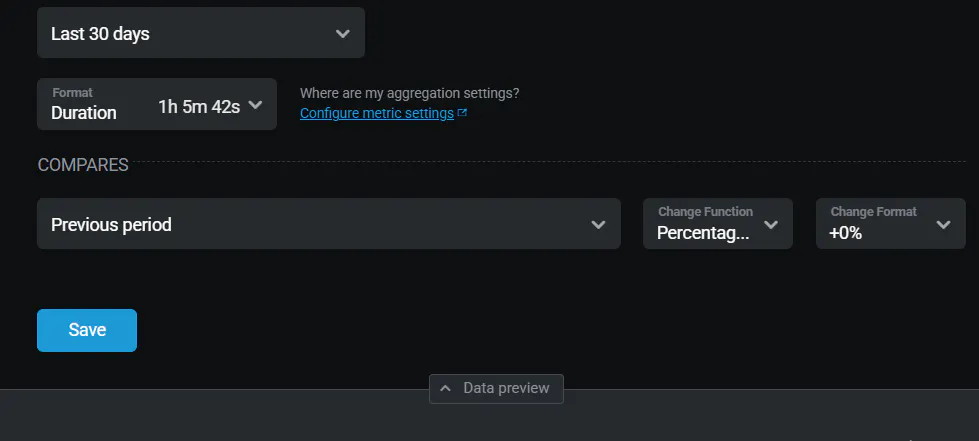
In the Databoard, click the gear icon for Advanced Settings and change the format to Duration so the time displays correctly (e.g., in minutes and seconds).
This setup allows you to quickly identify which pages are capturing user attention and which ones might need improvement. It's especially helpful for analyzing landing pages, blog posts, or product pages to optimize for deeper engagement.
For more guidance, visit the Google Analytics 4 Metric Builder guide.
